

Ready to find out which one — the Meta Quest 3 512GB or the Quest 3s — is worth your investment, how this headset can transform your living room into a gaming room, office or gym, and which essential accessories will make all the difference?
Imagine Enter a world where you play games, watch movies, do fitness, learn, or collaborate remotely. Meta Quest 3 Immerse yourself in virtual and mixed reality. Discover the differences between 512GB (performance) and 3S 128GB (mixed) and how to get started.
Performance Pro

You'll enjoy superior visual quality and ample storage that eliminate most limitations. If you're looking for the best hybrid (XR) and multimedia experience in the Quest range, you'll get a sharper, more detailed picture. However, be prepared to invest a bit more to fully utilize the headset.
Multipurpose Budget

You'll have a very compelling VR headset for the price, offering most of the expected XR experiences and wireless gaming. If you're a beginner or want a second headset for multiplayer gaming, it's an excellent compromise. However, be mindful of storage space or plan ahead for installing your favorite titles.
Meta Quest 3
Meta Quest 3S
Meta Quest 3
Meta Quest 3S
Meta Quest 3
Meta Quest 3S
The essential basics to get started on Meta Quest
Specifications and hardware differences: 512GB vs. 3S 128GB
Application storage and management
The most practical point: 512GB vs. 128GB. If you install a lot of VR/AAR games (some AAA titles are 5–20GB or more), the 512GB version saves you from constantly uninstalling them. The extra storage is also useful if you capture videos/streams from the headset or maintain a large library of apps and media.
Meta Quest 3 — 512 GB: Performance and Image Quality
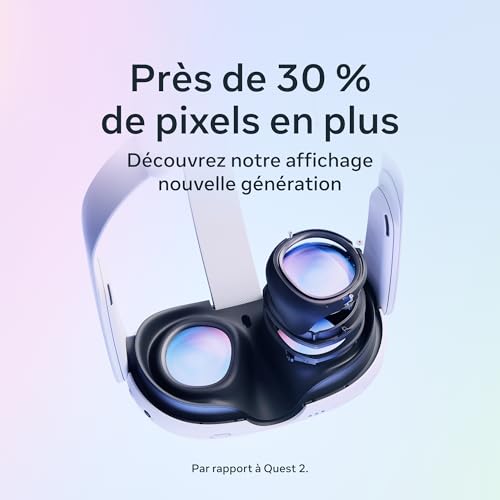
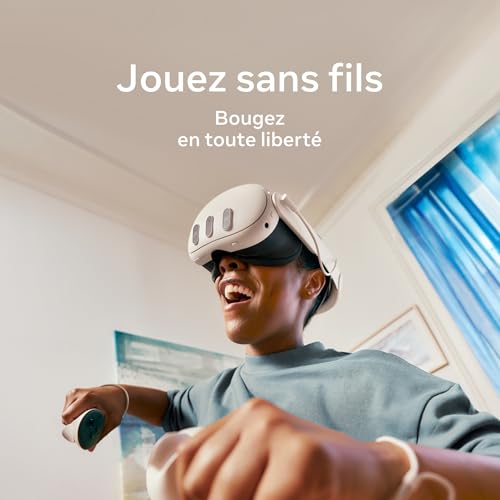
The 512GB version is presented as "the highest-performing Quest ever": pancake lenses for superior sharpness, a wider field of view, high resolution, and premium comfort. Ideal if you want the best visual quality, to record/stream, and to maintain a large library without compromise.
Meta Quest 3S — 128 GB: Mixed reality and accessibility
The 3S 128GB focuses on mixed reality (passthrough/MR) and a more accessible price point. You lose some storage and a slight decrease in sharpness (due to the Fresnel lenses mentioned), but you gain a lighter headset and excellent value for money for MR and casual use.
Sensors, passthrough/MR and controllers
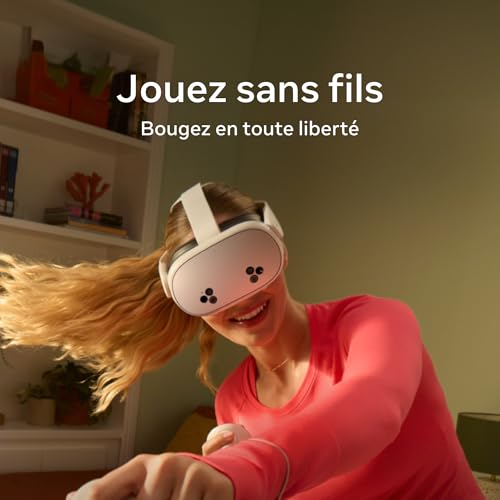
Both models offer color passthrough for MR, with sensors and controllers included (inside-out tracking). In practice:
For what purposes?
Comparative table of features
Immersive experience: visuals, tracking, audio and content
Display quality and visual immersion
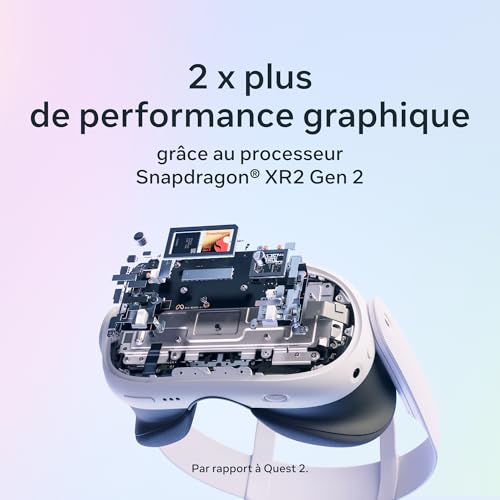
You immediately notice the difference: the Meta Quest 3 512GB aims for maximum quality (higher resolution, pancake lenses, wider field of view) for sharper images and less flicker — ideal if you watch VR movies or play visually demanding titles.
The Quest 3S 128GB maintains excellent image quality for its price, but with slightly lower lenses and resolution (less detail at the edges). You gain in weight without sacrificing a convincingly immersive experience.
Mixed reality (color passthrough) and MR interactions
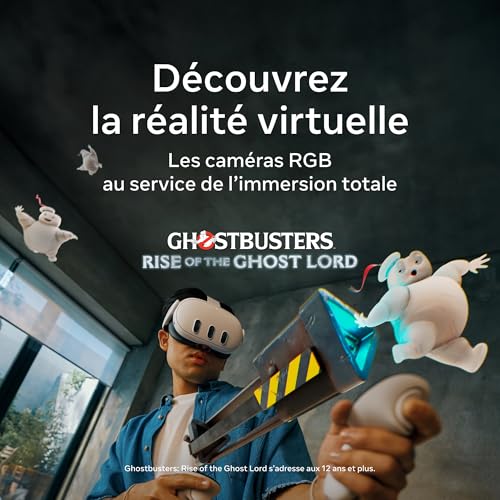
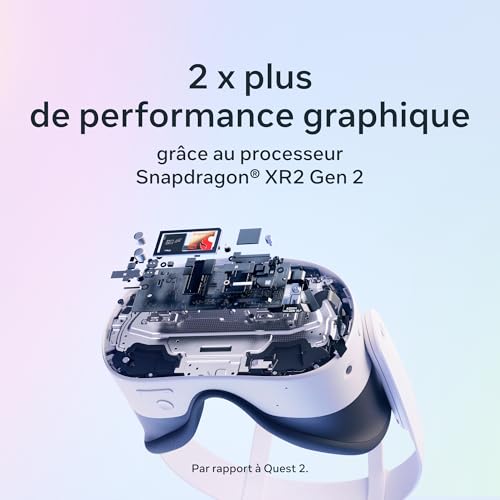
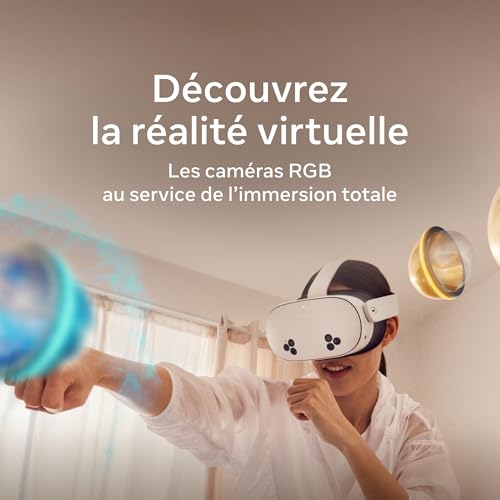
Both headsets offer color passthrough and object occlusion to place virtual elements in your real space. The 3S emphasizes MR accessibility (fast and smooth experiences), while the 512 Go enables richer and more detailed MR scenes thanks to its processing power.
Controller tracking and feel
Multi-camera inside-out tracking is accurate for most games; the controllers retain haptic feedback and familiar ergonomics. For competitive gaming or fine-tuned interactions, the 512GB version offers slightly better latency and stability.
Spatial audio and sound experience
The built-in spatial audio accurately reproduces the position of sound sources—sufficient for movies and games. If you're an audiophile, add a wired Bluetooth low-latency headset or an over-ear adapter.
Content, Meta Horizon+ and PC connection
Meta Horizon+ provides access to fitness, social, and gaming catalogs. For AAA PC VR titles (Half-Life: Alyx, flight sims), use Air Link (wireless) or the USB-C Link cable for a complete PCVR experience.
Applications to try first:
Recommended accessories:
Comfort, battery life and ergonomics: what influences your long sessions
Adjustment, weight and distribution
The Meta Quest 3 512GB is slightly heavier (due to its premium components and finish): you'll feel it on your neck during long sessions if you stick with the standard strap. The Quest 3S 128GB is lighter and therefore more comfortable right out of the box. For the 512GB model, opt for a padded strap (like the Elite Strap) to distribute the weight towards the back and reduce pressure on your forehead.
Headband type and settings
Both helmets have basic adjustments, but the addition of an improved strap changes everything:
Facial interface, foam and glasses
The original pads are suitable, but not for sensitive skin or for wearing glasses:
Battery life and charging
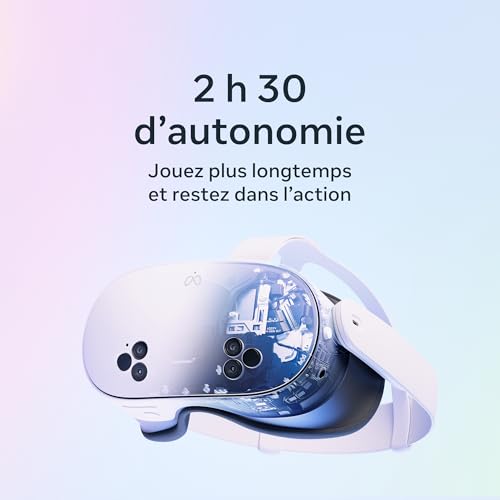
Expect approximately 2–3 hours per charge depending on usage (MR and intensive gaming consume more). Charging via USB-C: full charge in ~2 hours depending on the charger. Recommended solutions:
Ventilation and heat management
The headsets get slightly warm during prolonged MR use. Take breaks every 45–60 minutes, avoid overheated rooms, and do not block the vents.
Care, hygiene and recommended accessories
Buying guide and quick start: setup, recommended uses, and essential accessories
Step-by-step configuration
- Create a Meta account (or log in) and then enable two-factor authentication for security.
- Plug in and turn on the headset, follow the wizard: system update required before use.
- Calibrate the Guardian: define your space, height and limits. Test in slow motion.
- Connect it to 5 GHz Wi-Fi for fast downloads and smooth Air Link.
- Adjust privacy settings: disable unnecessary data collection, control access to microphone and contacts.
Which model should I choose?
Essential accessories according to your priorities
Security and initial content to install
Final verdict: which one to choose according to your needs?
For most users, the 512GB Meta Quest 3 is the clear winner: it offers the best performance, ample storage for games and local apps, and superior battery life. Choose it if you play demanding titles, create multimedia content, or prefer to avoid constant streaming. Essential accessories include an improved strap, a spare face foam pad, a carrying case, and a fast charger.
The Meta Quest 3S 128GB remains a viable option if you prioritize portability, mixed reality, and a limited budget, but its limited storage and lower power make it less suitable for demanding uses. Consider a free Horizon+ subscription to try it out. Ready to take the plunge into VR/MR?




 French
  English
Frankly, the price of the 512GB version puts me off. The article is comprehensive, but I would have liked a more prominent "who is it for" section: who absolutely needs the 512GB version and who can save money.
I sometimes find the versions with more storage marketed as a must-have when it's mostly marketing. Do you think the price difference is worth it for a casual gamer?
Also consider potential promotions and bundles (sometimes including accessories). This can make the 512 more attractive at certain times.
Very good point, Emilie. Generally speaking: if you're a casual gamer (a few games, exploring Memory Stick), go for the 3S 128GB. If you're a VR game collector, create/store a lot of 360 videos, or use professional apps, then the 512GB becomes justifiable.
I'm a casual gamer and I went with the 128: zero regrets. I rarely delete files, and Horizon+ allowed me to try out a lot of things without buying them right away.
Emilie, if you want to save money: start with the 128 and get an external hard drive/PC to store large files. That's what I did.
Practical question: is storage really managed like on a PC (can you move files easily)? And the cloud—are game saves preserved if you change headsets or reset the system?
I wonder if buying 512 GB is overkill if the cloud keeps everything.
I switched between two headsets and my saves for most games were OK via the Meta cloud. But I still had some large video files that took up space, hence the 512.
Note: it all depends on the developers. Some games handle cloud saves perfectly, others don't. I'd stick with 512 if you want zero hassle.
Good point, Aline — Meta offers cloud saving for certain data (settings, saves depending on the game/app) linked to your account. However, local media files (360 videos, screenshots) take up internal storage and are not necessarily all automatically synchronized.
So if you want to store a lot of media offline, 512 GB is still recommended.
In short: for games, captures, and videos, 512GB is plenty. For casual/curious testers, 128GB might be enough (and you can always manage it via PC/USB-C).
I got the 3S 128GB to test it out, and honestly, it's amazing for the price. No need to buy the 512GB version right away if you're just going to try out Memory Stick and a few games ✌️
Exactly. And you can always upgrade your library via cloud/account if you want to move to more storage later.
Top feedback Sofia — this corresponds to what many tell us: the 3S 128 GB is the right compromise for testing without breaking the bank.
Interesting, but I get the impression that 'mixed reality' is mainly a marketing ploy to see your table in transparency 😂
Who has tested the truly useful MR apps?
Personally, I like 3D visualization apps (furniture, art). Not essential yet, but fun for showing things to friends 😅
Hi Julien — there are some useful MR apps (productivity tools, architecture apps, some interactive experiences). For now, many experiences remain purely playful, but the technology is evolving quickly.
Okay, but seriously, has the visual quality really improved significantly, or are we still being misled by the advertised resolution? I've read conflicting reviews; some mention a 'screen door' while others say 'sharp image' 🤔
I want to be blown away by social VR and 3D movies, not just by a nice ad.
Hey Lucas — perceived quality depends a lot on the content (optimized game vs. unoptimized app), IPD, and settings. The Quest 3 is a clear improvement over the previous generation, but you'll still see the 'screen door' effect depending on pixel proximity and your eyesight. Overall, for 3D movies and well-rendered games, it's a real plus.
Having tested 3D films, I was pleasantly surprised. It's not 8K, but the immersive effect more than makes up for it.
If you can, check it out in stores or watch some VR comparison videos to get an idea. And remember the IPD settings, it makes all the difference.
The comparison is useful but I would have liked more details on the actual battery life in games (and with which settings), as well as on the recommended accessories (strap, battery, etc.).
The question of comfort is also important to me: how long can you wear the helmet without getting tired?
Thank you in advance for any concrete feedback.
Note: The feel also depends on body shape and IPD settings. We recommend trying them on in store if possible before buying to test the comfort.
Be careful with uncertified batteries; I've read about overheating issues. Stick to well-known brands and read customer reviews.
For your information, a good balance is key: centered helmet, strap tightened just right = less neck strain.
Good point, Marc-Pierre. The article gives a range: 2 to 3 hours for intensive gaming, more for light content/video. For comfort, many opt for the Elite Strap or third-party straps with batteries for longer sessions. Third-party battery packs (USB-C) significantly extend battery life, but check compatibility first.
Personally, I can do it in 1.5-2 hours and I start to feel the weight. With an improved strap and an attached battery, it's much better for 3+ hours.
Thank you for this super comprehensive comparison!
I have a Quest 2 and I'm really hesitating between upgrading to the Meta Quest 3 512GB or getting the 3S 128GB to start with.
What I like about your article: the part on mixed reality is clear, and the table on autonomy / storage helps me a lot.
Personally, I download a lot of games and 360 videos, so 512 GB appeals to me, but I wonder if the real performance difference is worth the extra cost.
Any other feedback? 🙂
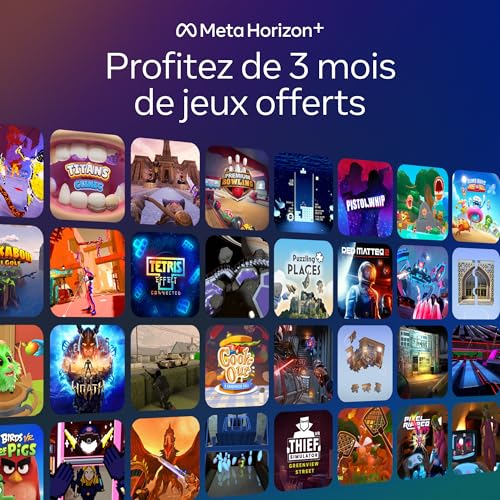
Claire, also consider that Meta Horizon+ offers unlimited games for 3 months — it's great for filling up your card and seeing what you like before investing.
Having switched from a Quest 2 to the 3 512, the performance jump is definitely noticeable. If you play a lot of single-player and want to keep your library, go for the 512. Otherwise, the 128 is enough to test it out.
Good question, Claire — if you keep a lot of local games/videos, the 512GB version saves you from having to delete and redownload them often. The 512GB version is also better for intensive use (demanding games, professional apps). The 128GB 3S remains a very good choice if you want to try Memory Stick without breaking the bank.